Features

Run the week without chasing the work.

A focused studio system for scheduling, client records, packages, payments, space rental, settings, and imports.

Scheduling

Scheduling & calendar

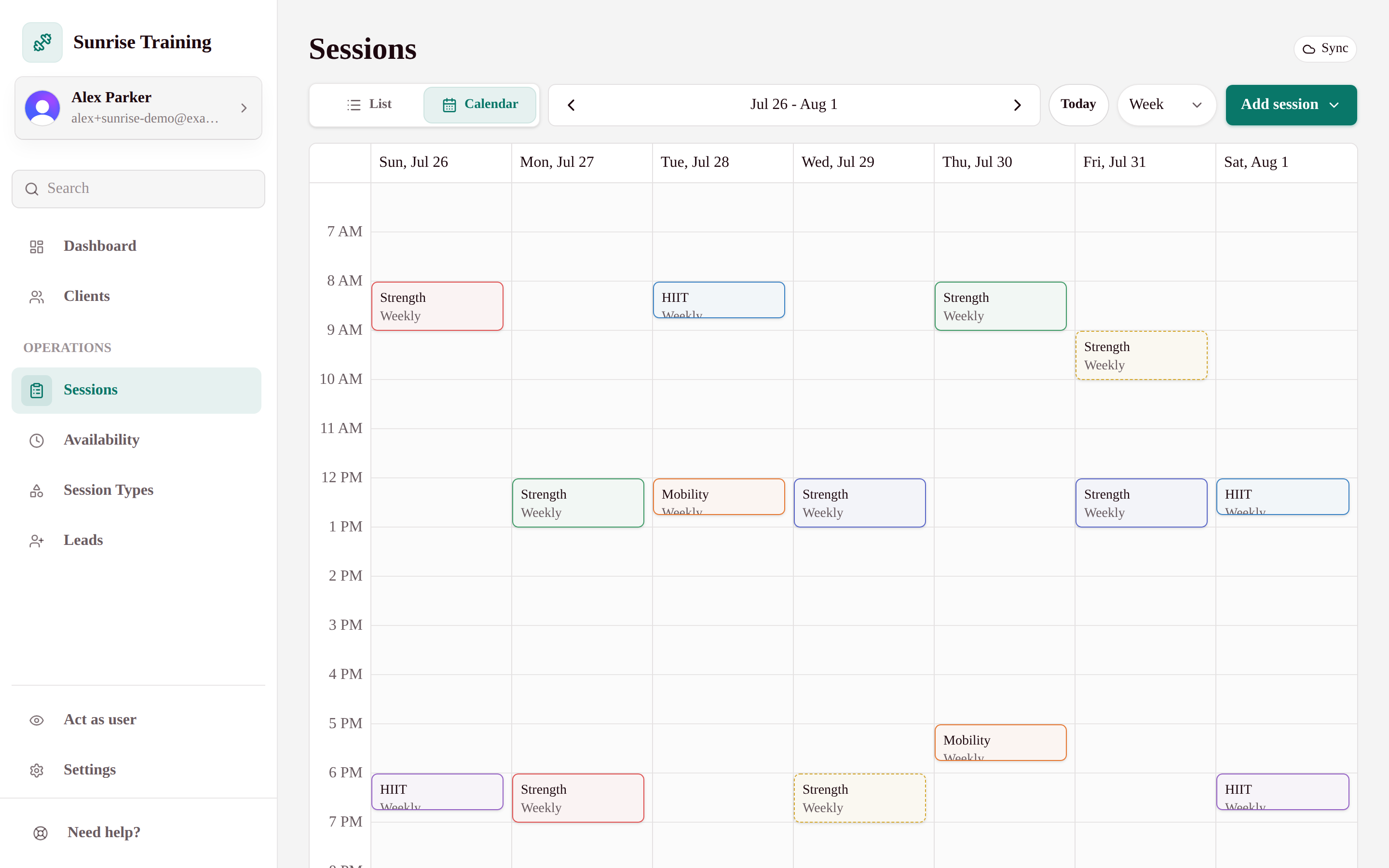
Classes, privates, workshops, and recurring sessions in one editable calendar.

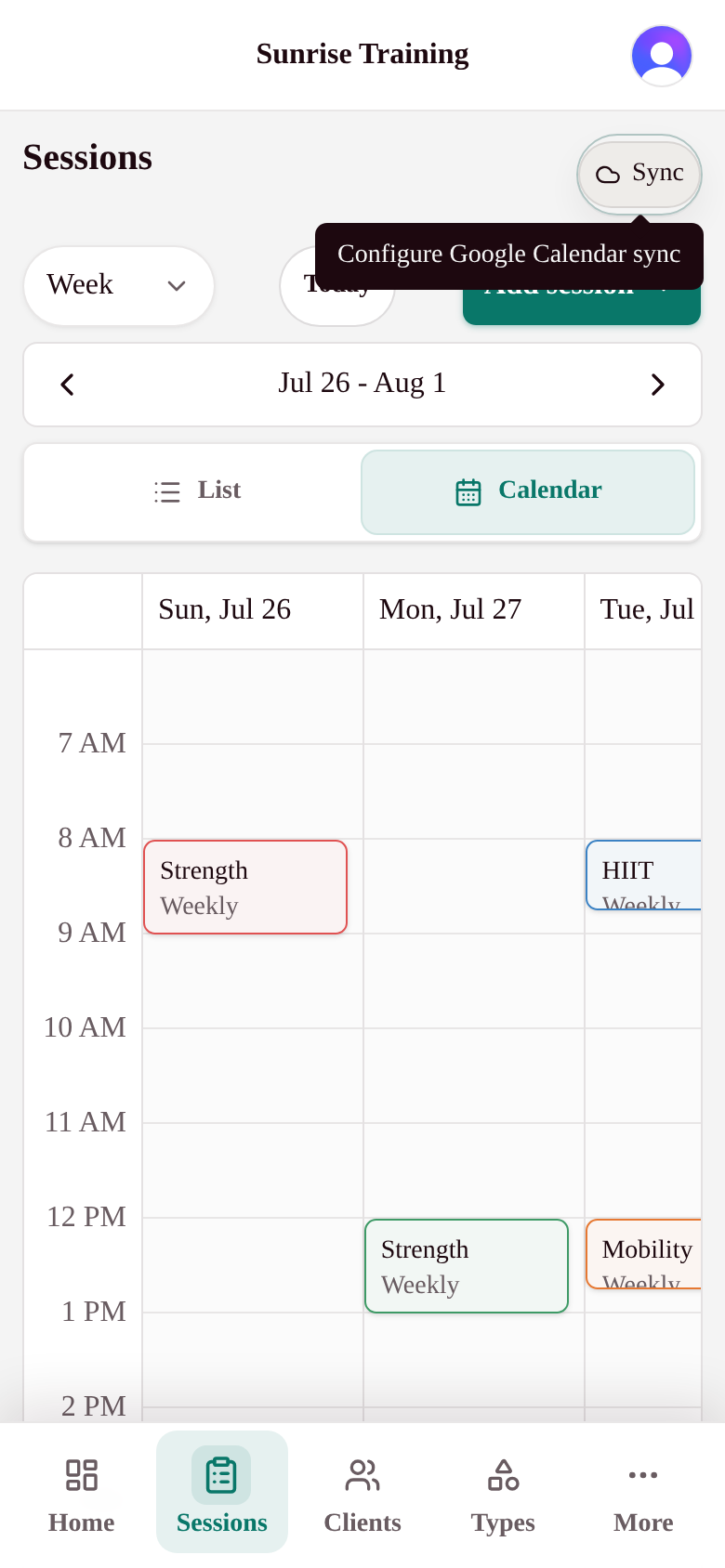
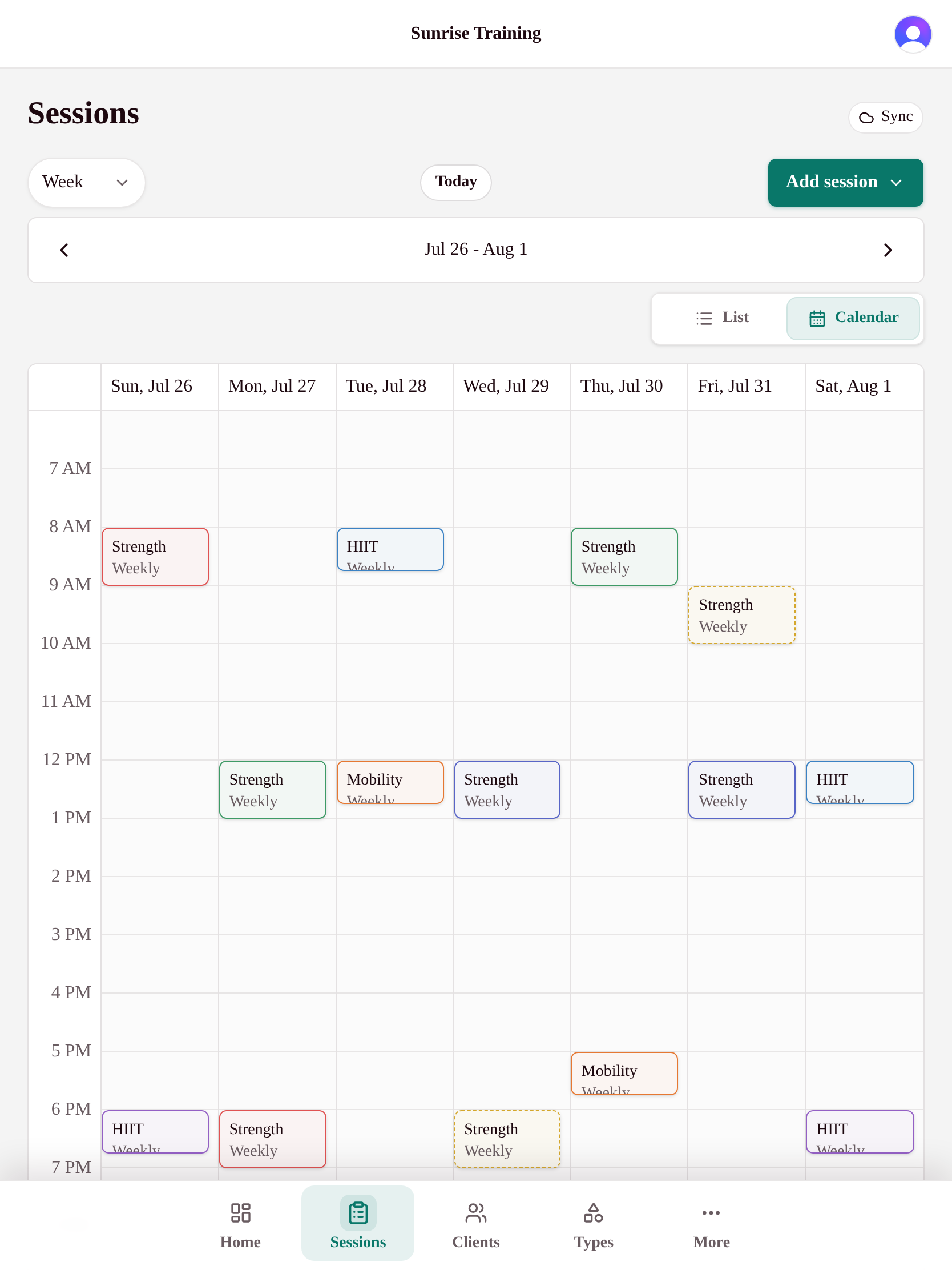
Most studio calendars feel like air-traffic control. Yours shouldn't. My Studio Keep gives you a single week-or-month view where every class, private session, and workshop is color-coded by type, with live capacity right on the block.

Group classes & privates together
Run drop-in classes, recurring memberships, and one-on-one training side by side without switching tools.
Recurring sessions in seconds
Set a booking to repeat weekly with an end date or occurrence count - edit one or the future series.
Capacity & waitlists built in
Each session shows booked vs. capacity at a glance, so you never oversell a class again.
Syncs with Google Calendar
Connect your Google Calendar to keep studio sessions and your personal calendar in step, so you never get double-booked.
Clients

Client management

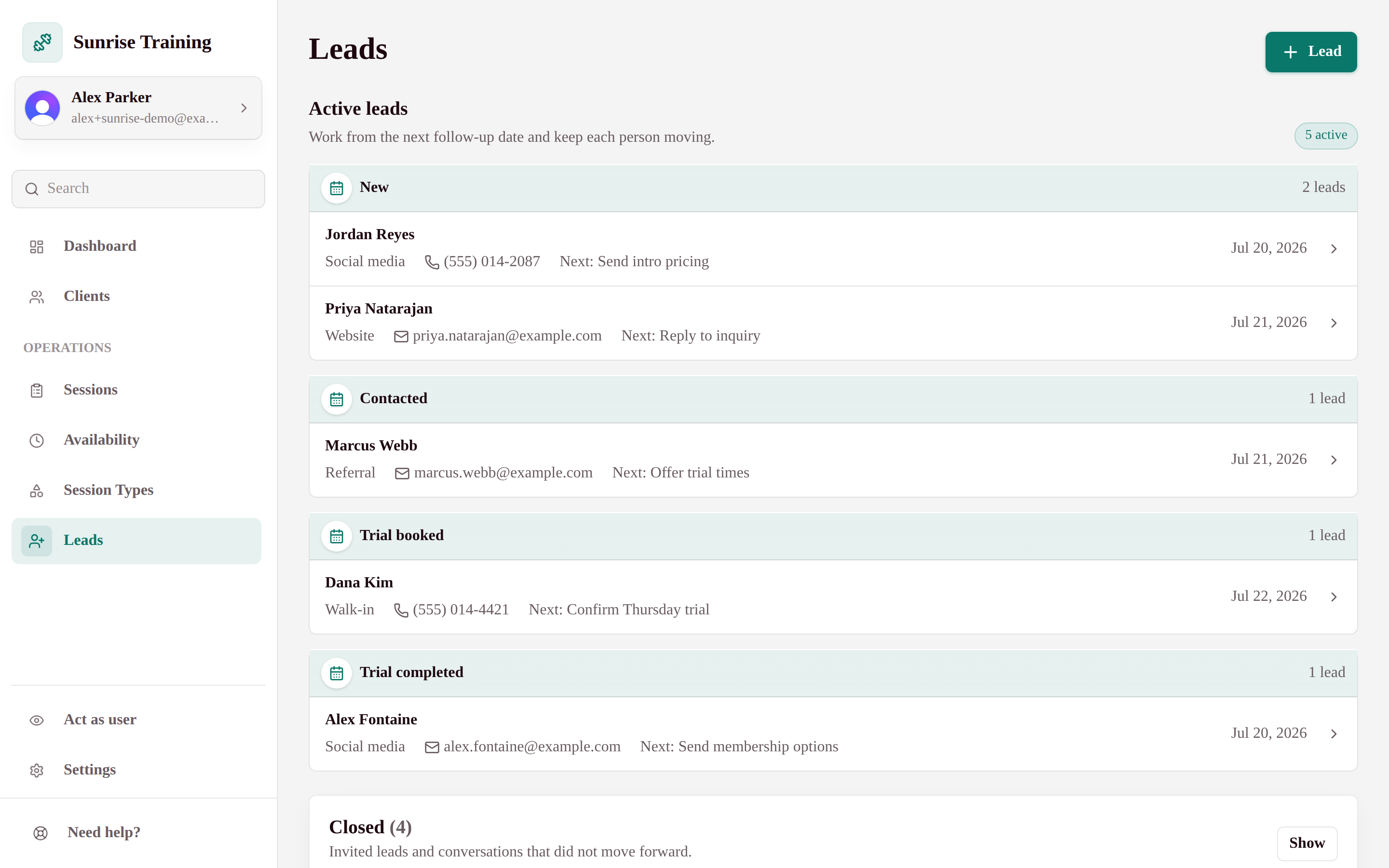
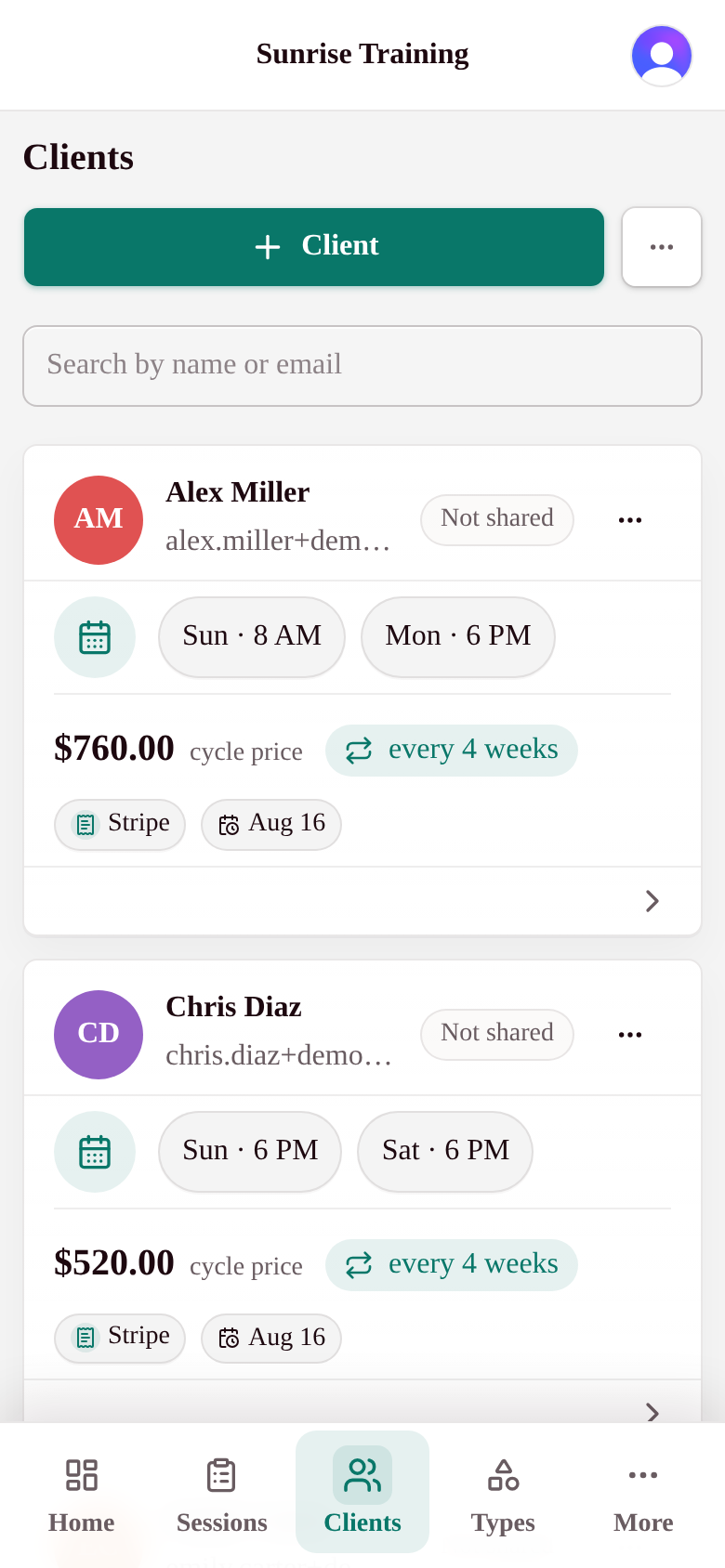
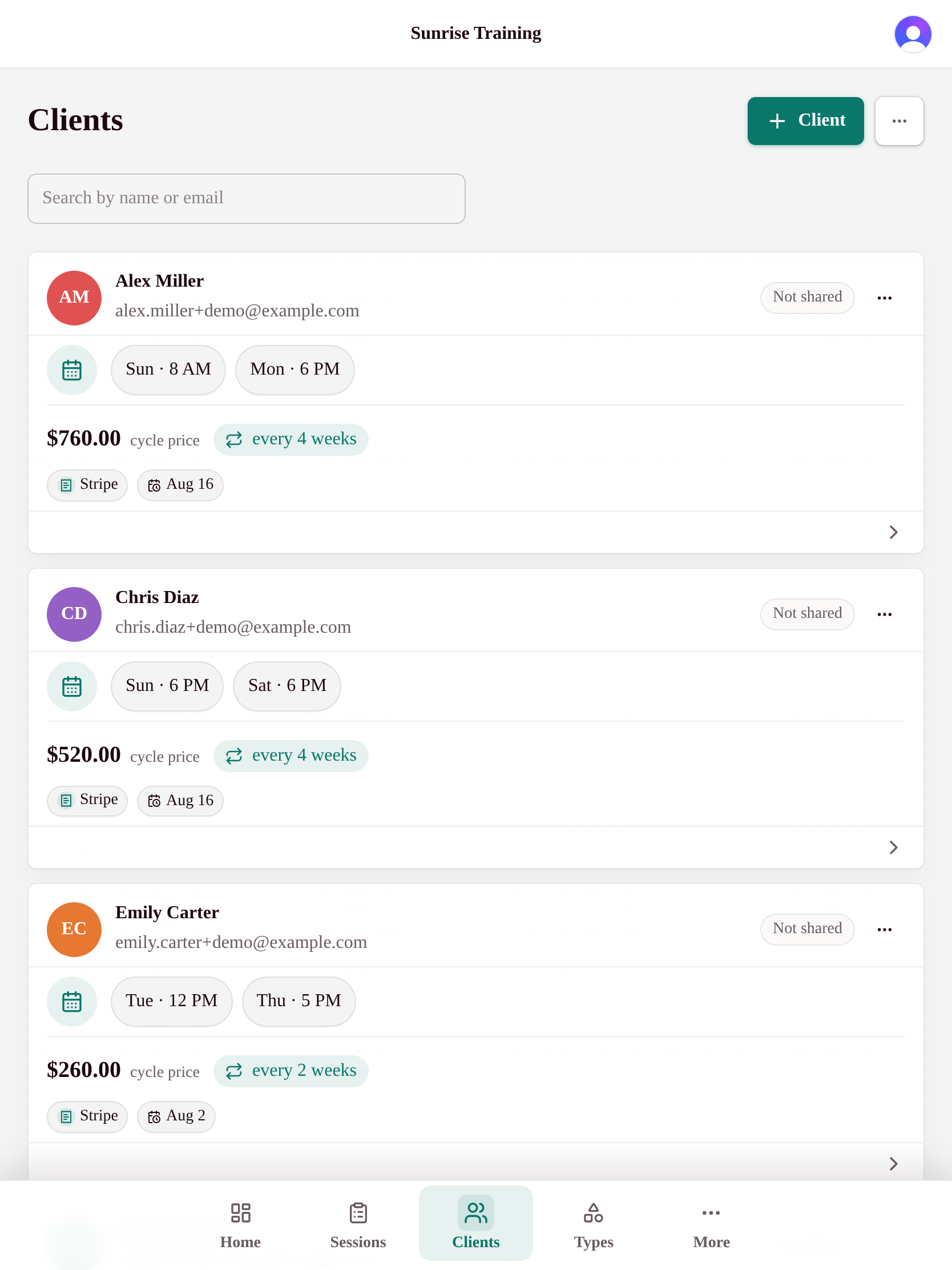
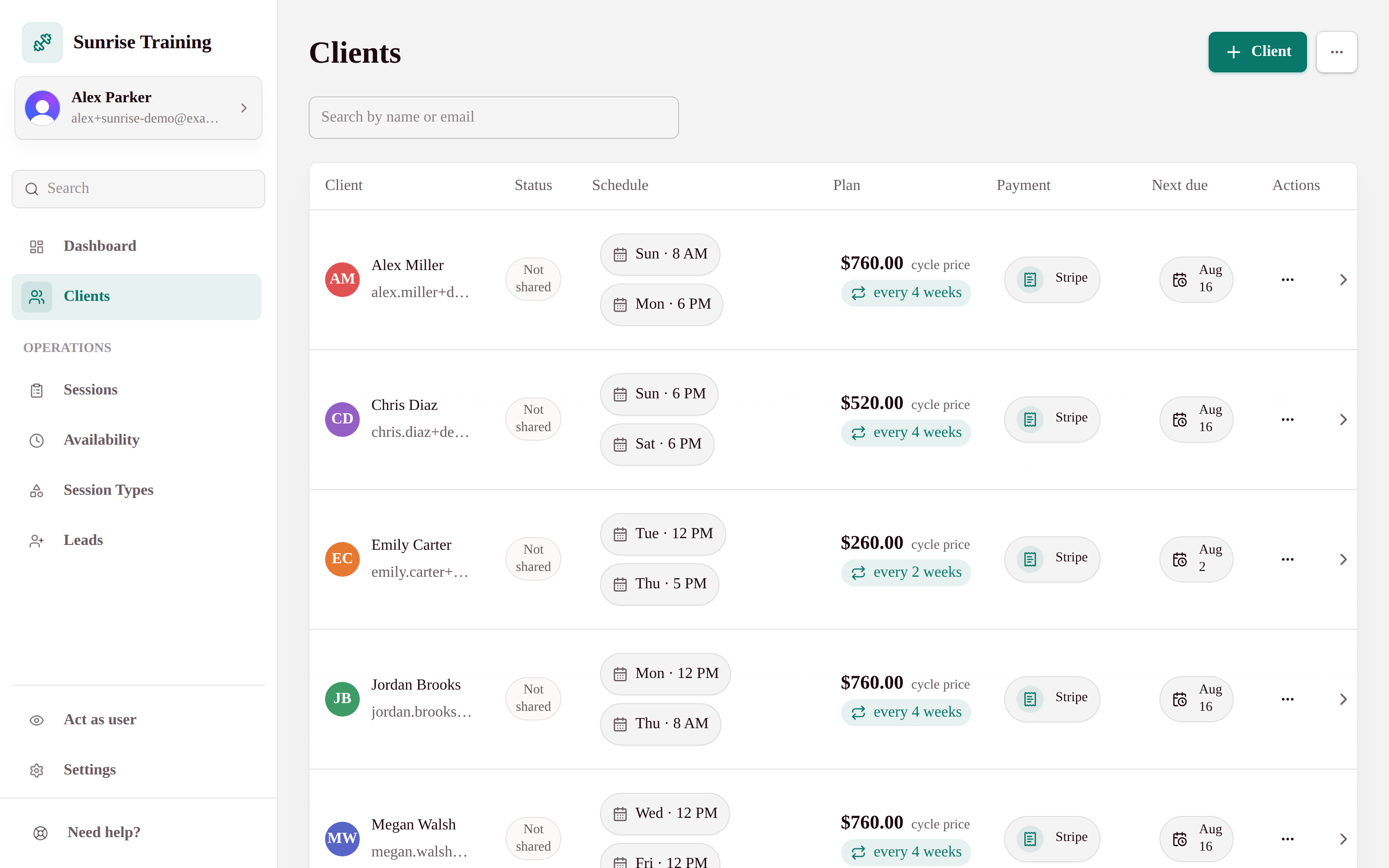
Profiles, bookings, balances, and notes in one searchable place.

Your clients are the business. My Studio Keep keeps each one's history in a single profile - purchases, remaining sessions, bookings, and private notes - so you always know where they stand without digging through spreadsheets or DMs.

A complete client profile
Contact details, package balances, booking history, and notes - all on one page.
Invite-only by default
Add clients yourself or let them join with a link. Either way, accounts stay tied to your studio.
Search that just works
Find anyone by name or email instantly, even with hundreds of active clients.
Private by design
Sensitive client records are owner-controlled - instructors only see what they need to teach.
Billing

Billing & payments

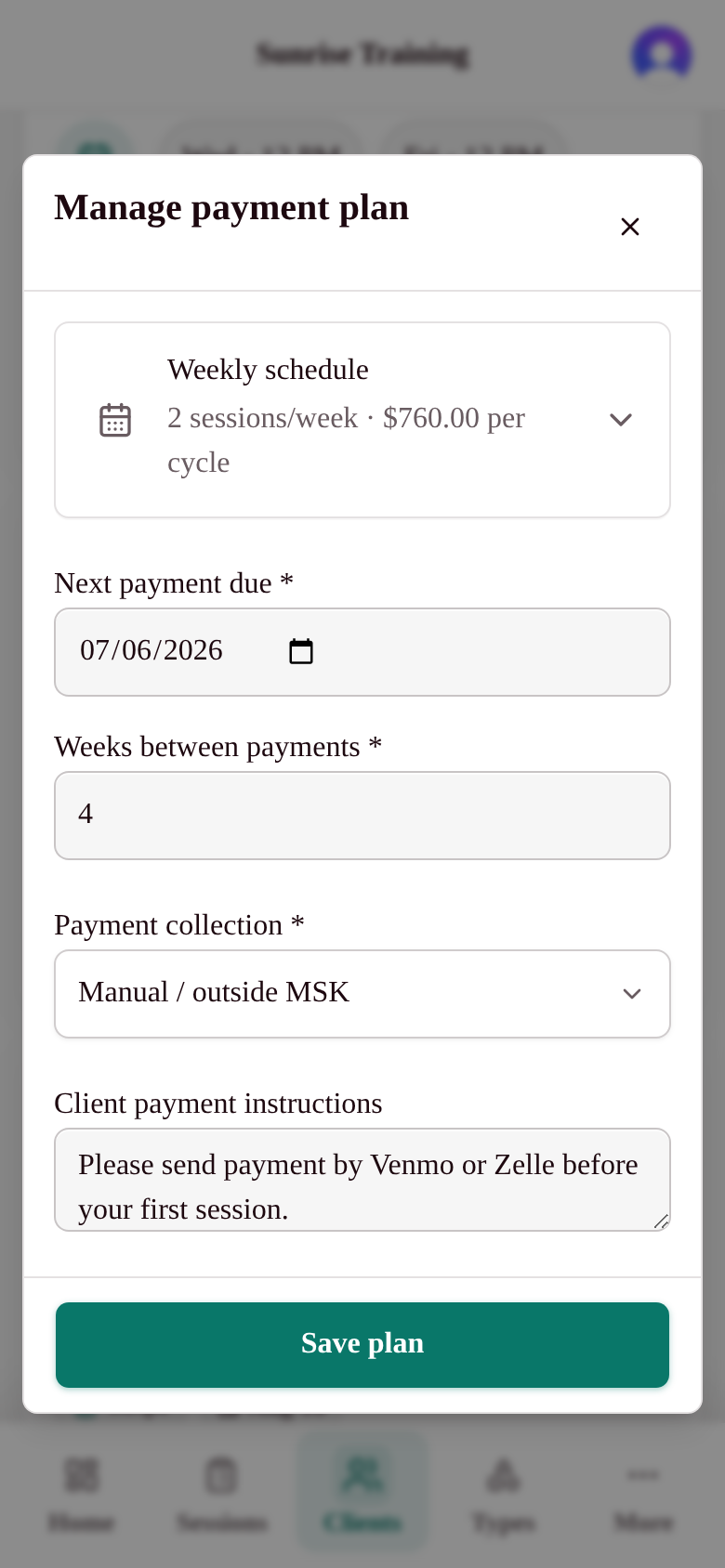
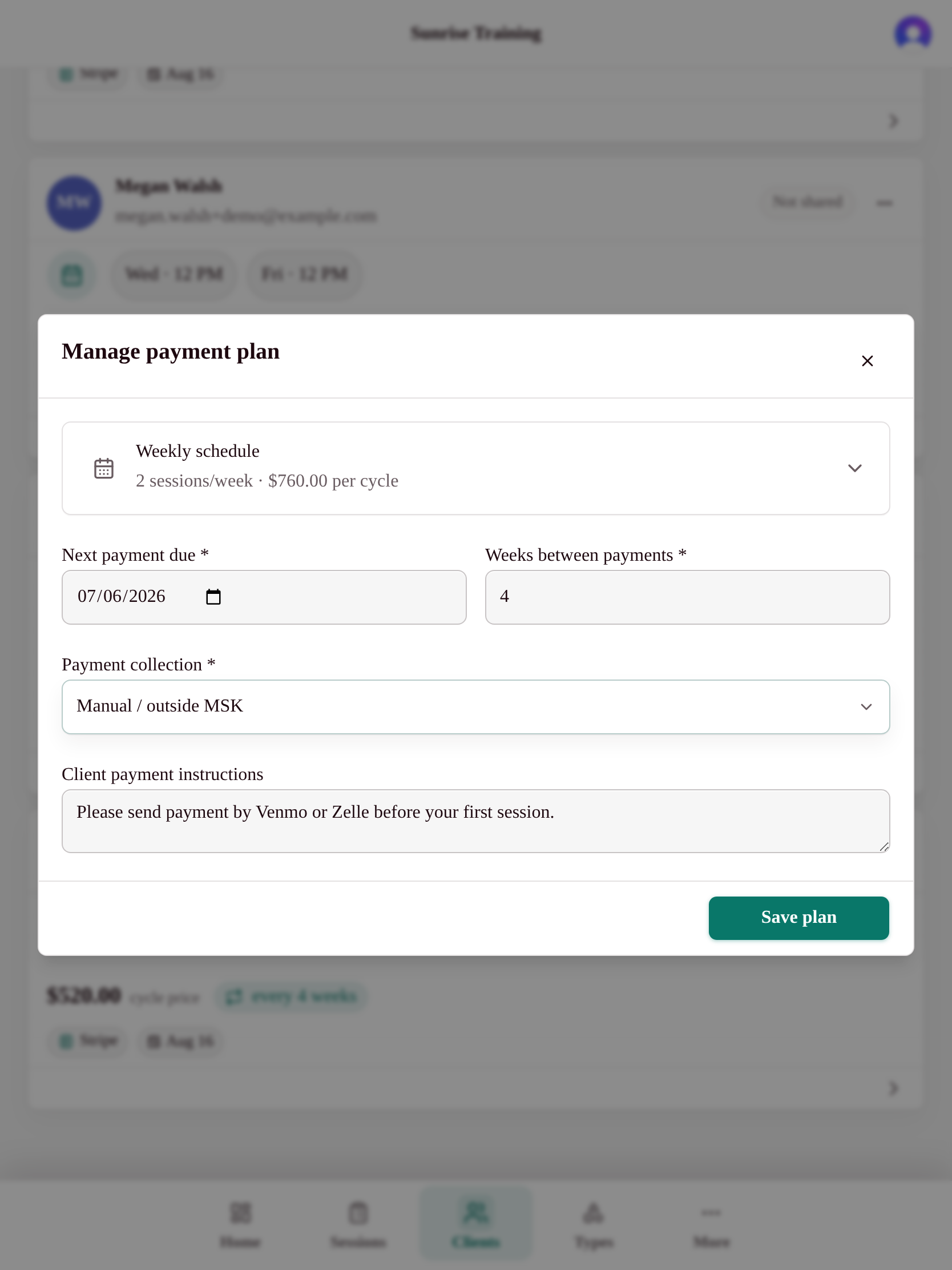
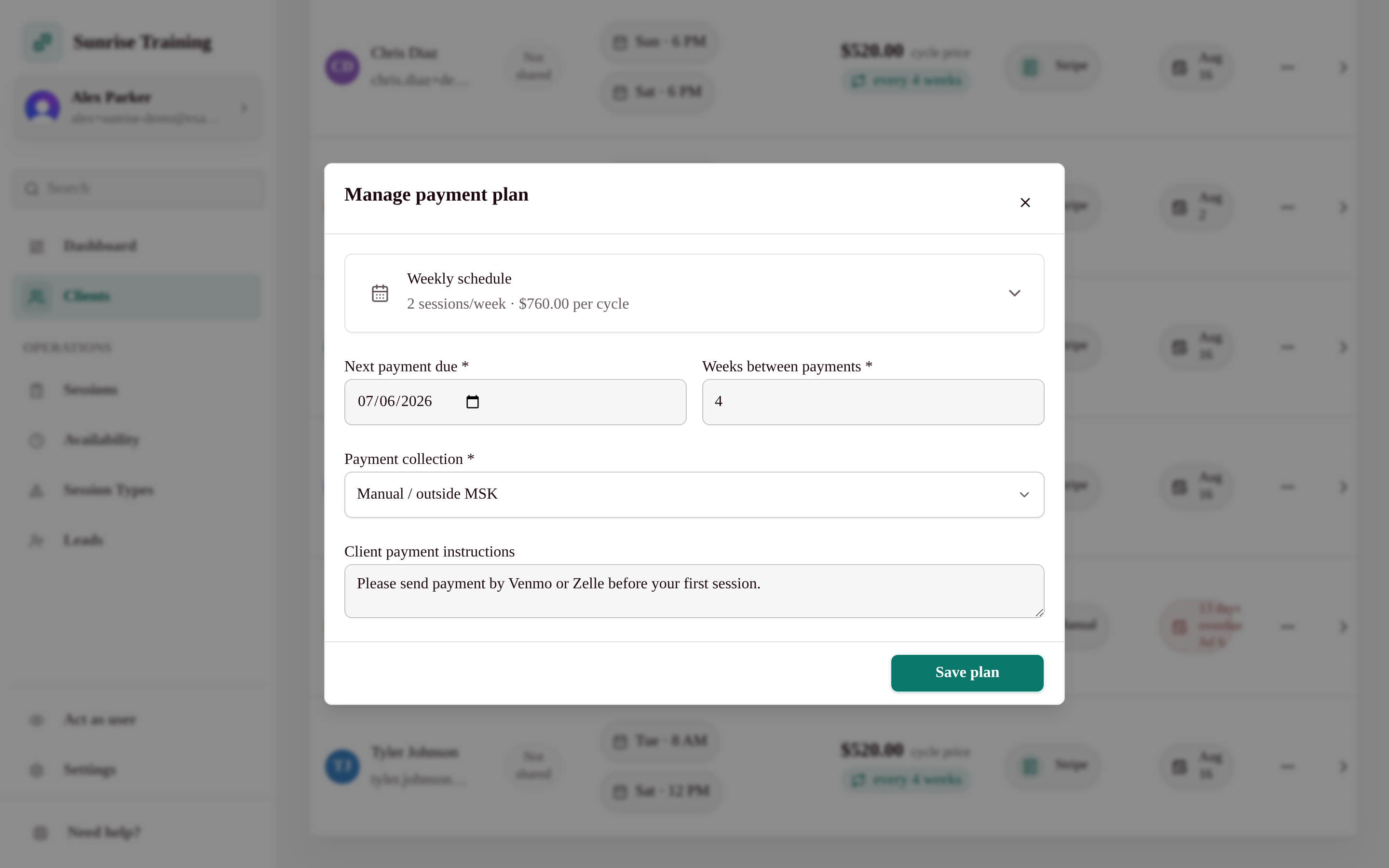
Sell packs and memberships, then let Stripe handle checkout and renewals.

Sell the way your studio actually works: drop-ins, class packs, and recurring memberships. Payments run on Stripe, sessions are deducted from balances automatically, and renewals happen on their own - so the money side runs quietly in the background.

Packages & memberships
Create class-type-specific drop-ins, packs, and recurring monthly plans, including unlimited memberships.
Automated payments
Powered by Stripe. Recurring plans renew automatically, with no cut taken on top of processing fees.
Balances that track themselves
Each booking draws down the right package, so remaining sessions are always accurate.
Clear, ownable records
See purchases and revenue at a glance, and export your data whenever you want.
Space rental

Space rental

Rent open studio hours with a shared calendar and automatic invoices.

Got open floor time between classes? Let independent trainers and instructors book it. My Studio Keep runs a shared renter calendar that respects how many people can share the space, then totals each renter's booked hours into a clean month-end invoice - no spreadsheets, no awkward math.

A shared renter calendar
Renters book available hours; you control how many can share a slot or reserve the full studio.
Automatic month-end invoices
Booked hours roll up into an invoice per renter at the end of the month - calculated for you.
No double-booking
Capacity rules keep classes and rentals from colliding, so the floor is never oversold.
Optional by design
Space rental is a module - turn it on only if you need it, and it stays out of the way if you don't.
Settings

Settings & controls

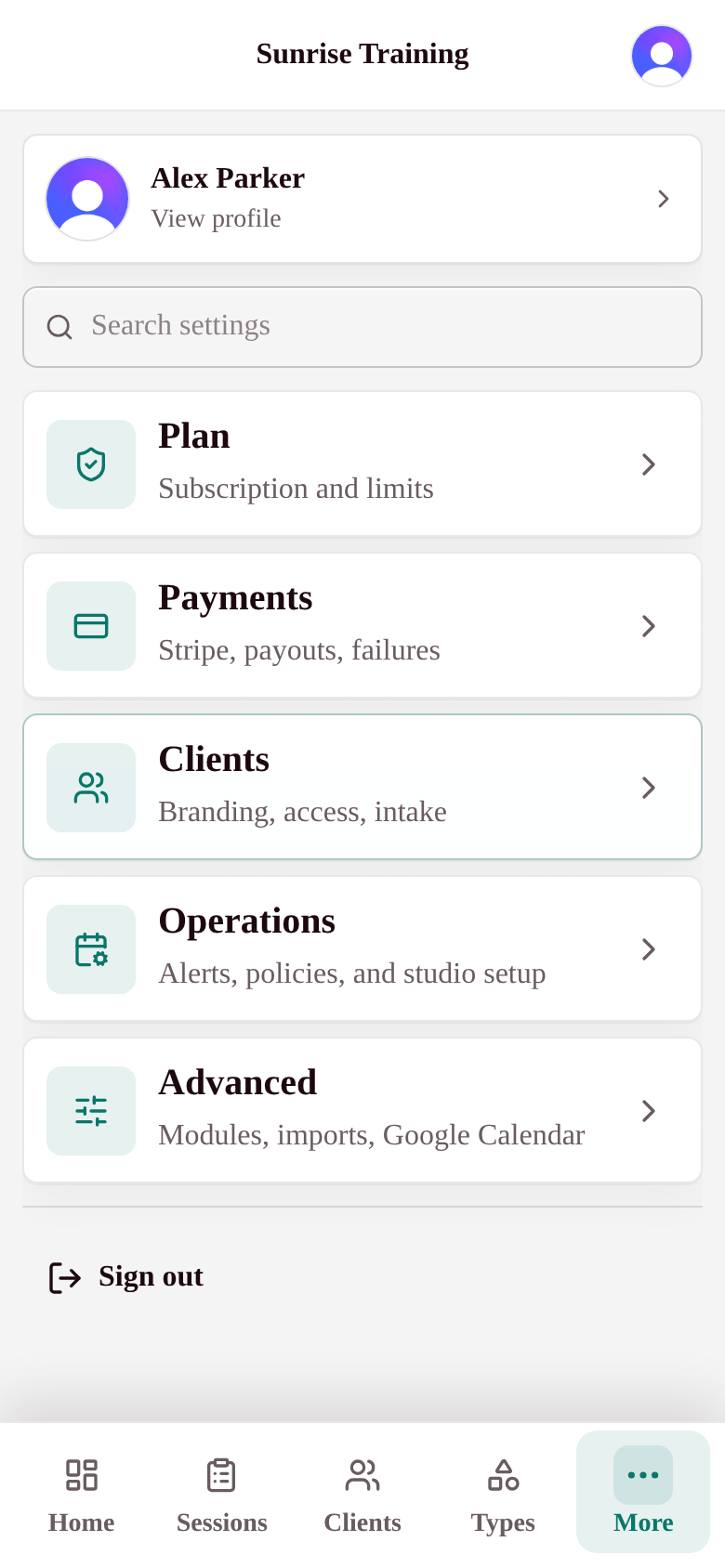
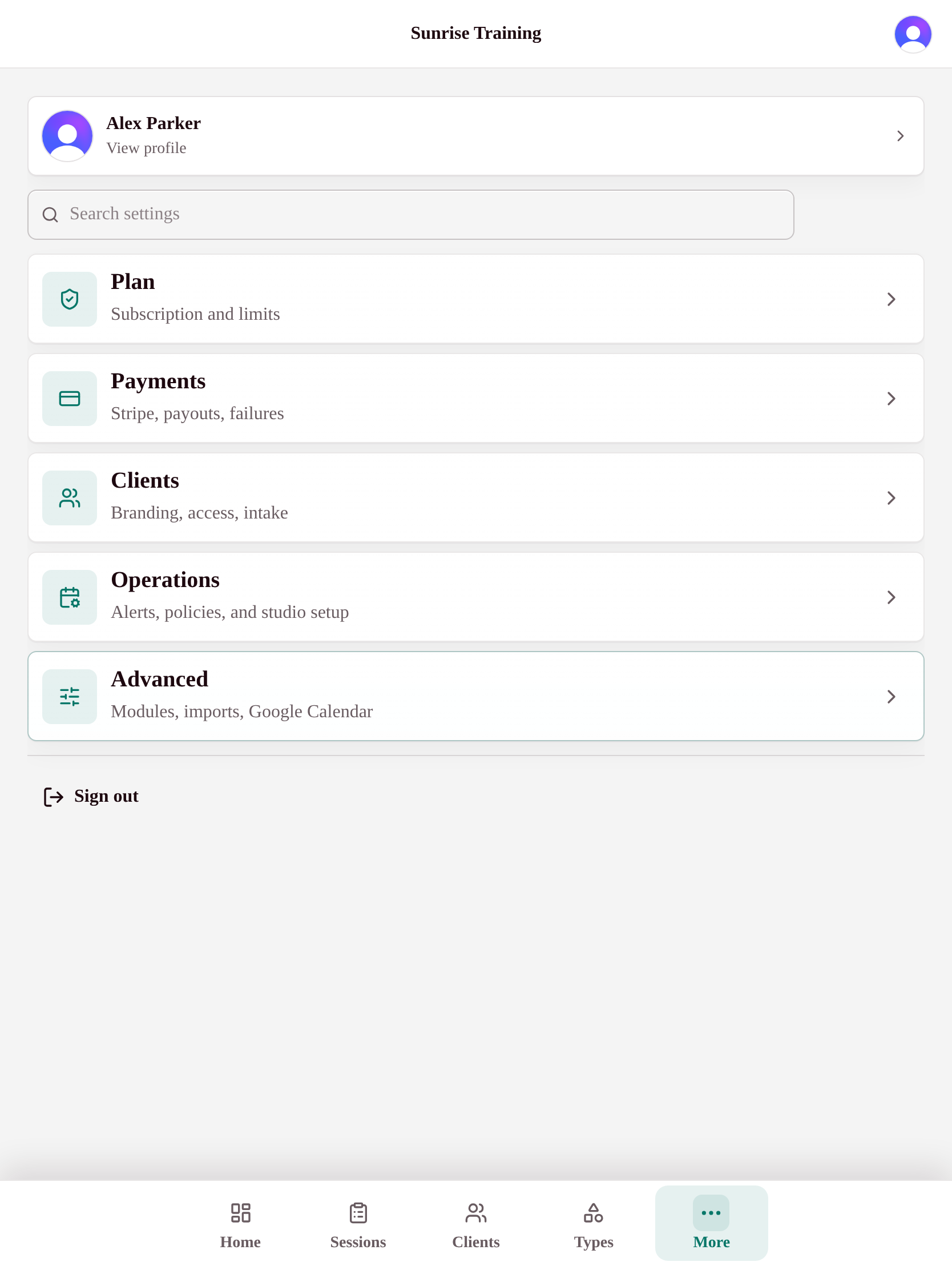
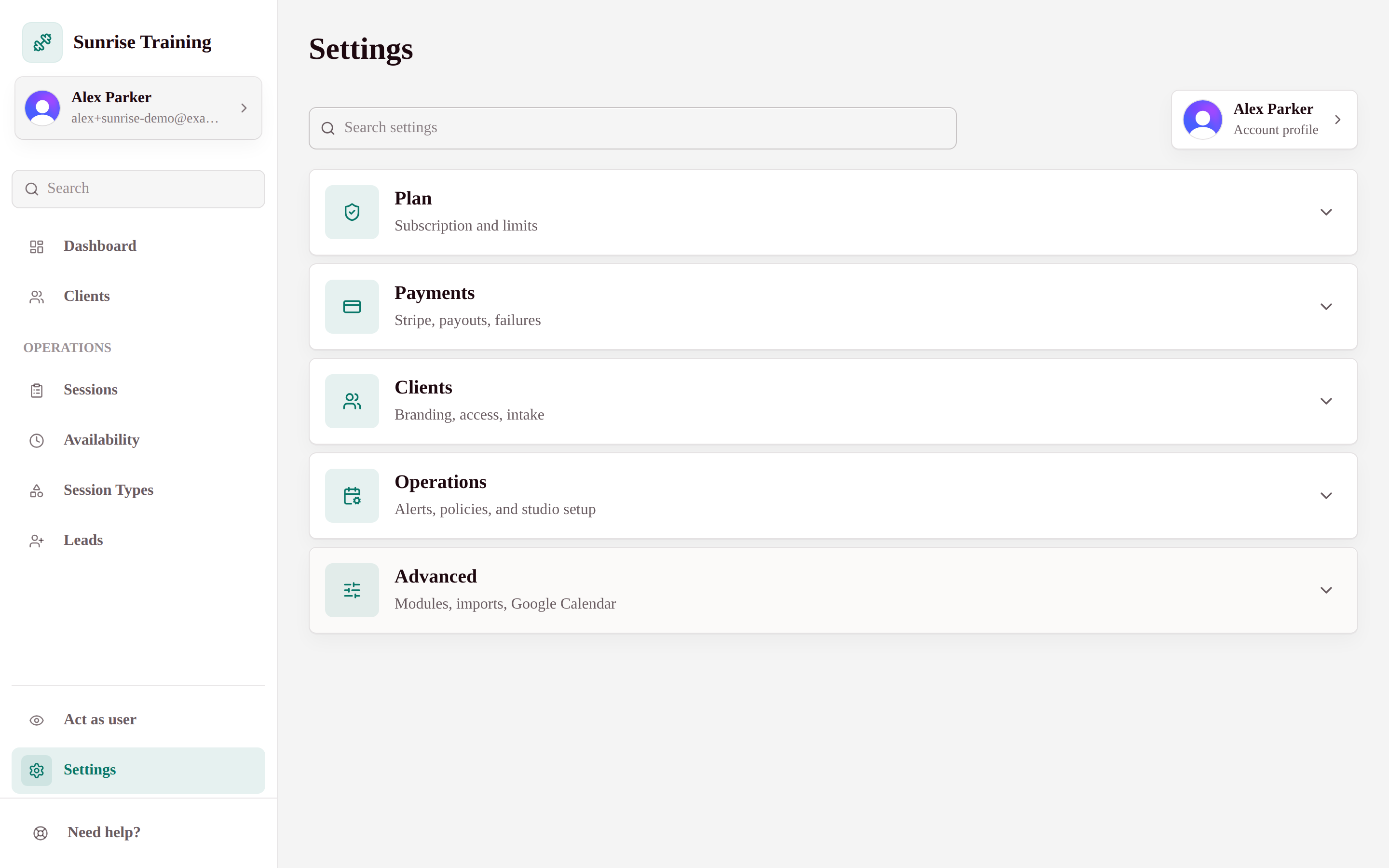
Choose modules, notifications, and policies that fit how you run.

My Studio Keep starts simple and grows with you. Turn on only the modules you need, and the rest stay out of your way until you want them, so the app never feels bloated or confusing.

Find settings fast
Search across plan, payments, public booking, client access, operations, imports, modules, and Google Calendar sync.
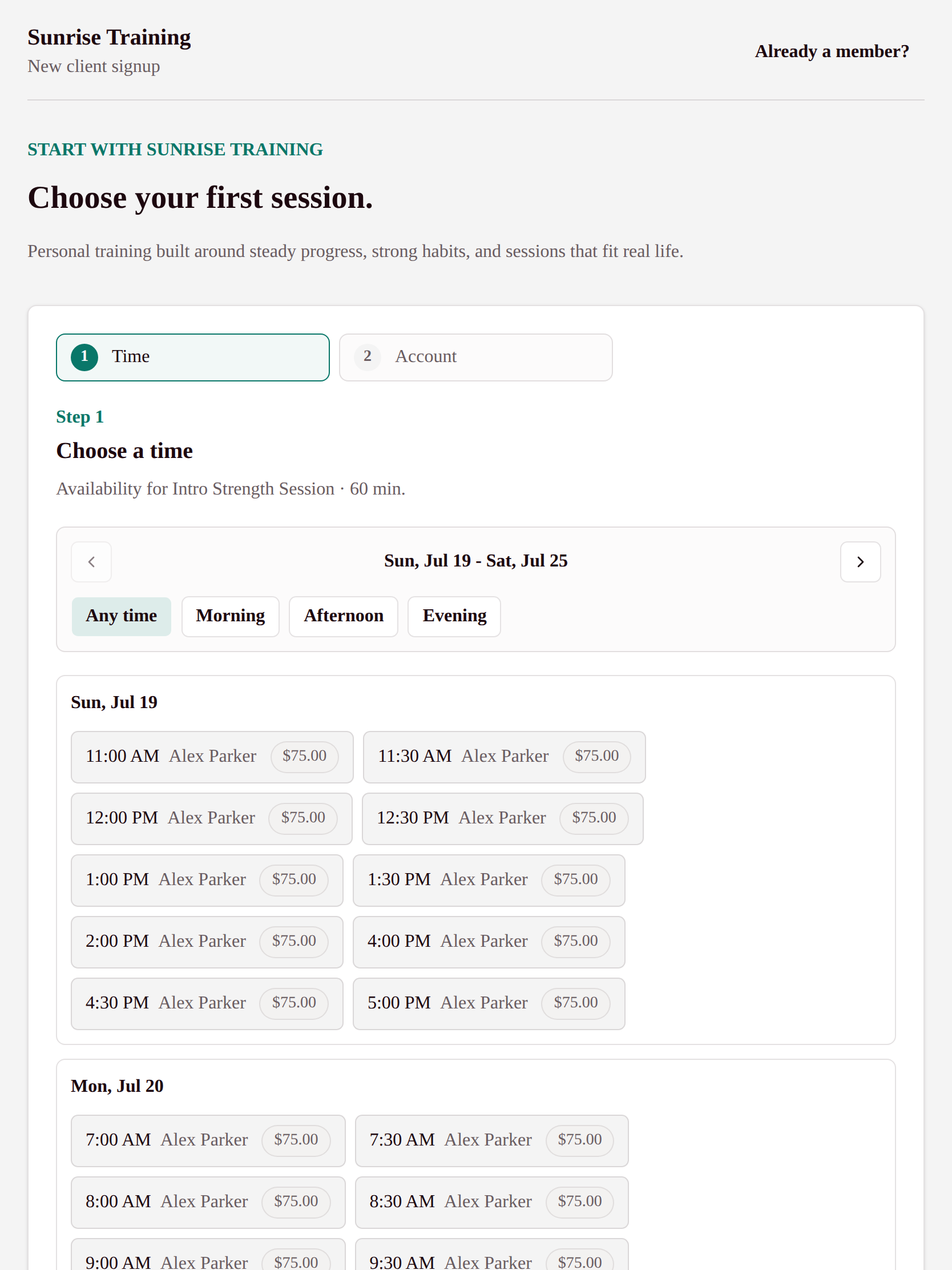
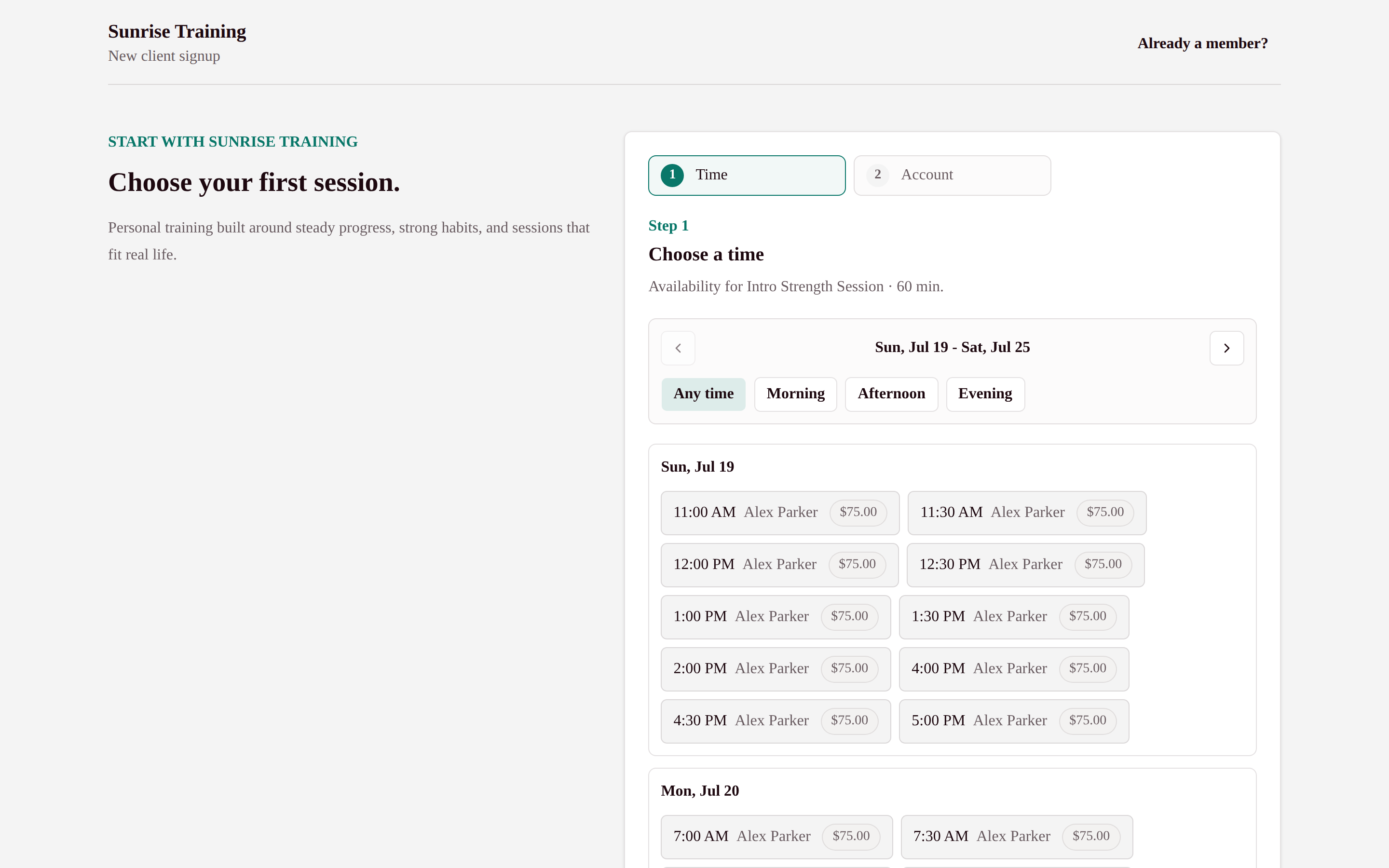
Launch a public booking page
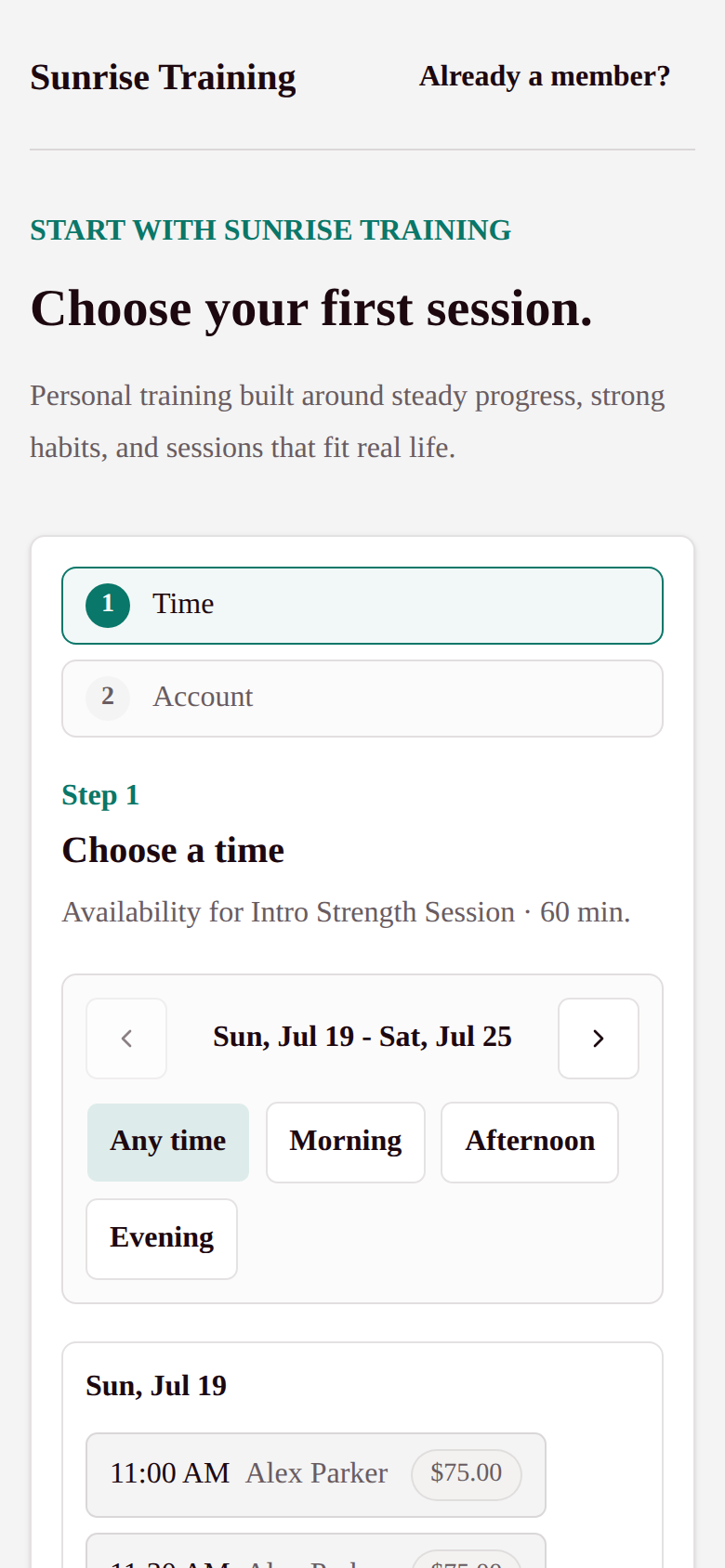
Create QR-friendly booking options and promo codes for assessments, intro sessions, flyers, and campaigns.
Set your studio policies
Control enrollment, intake, client booking mode, cancellation rules, and payment failure grace periods.
Turn modules on as needed
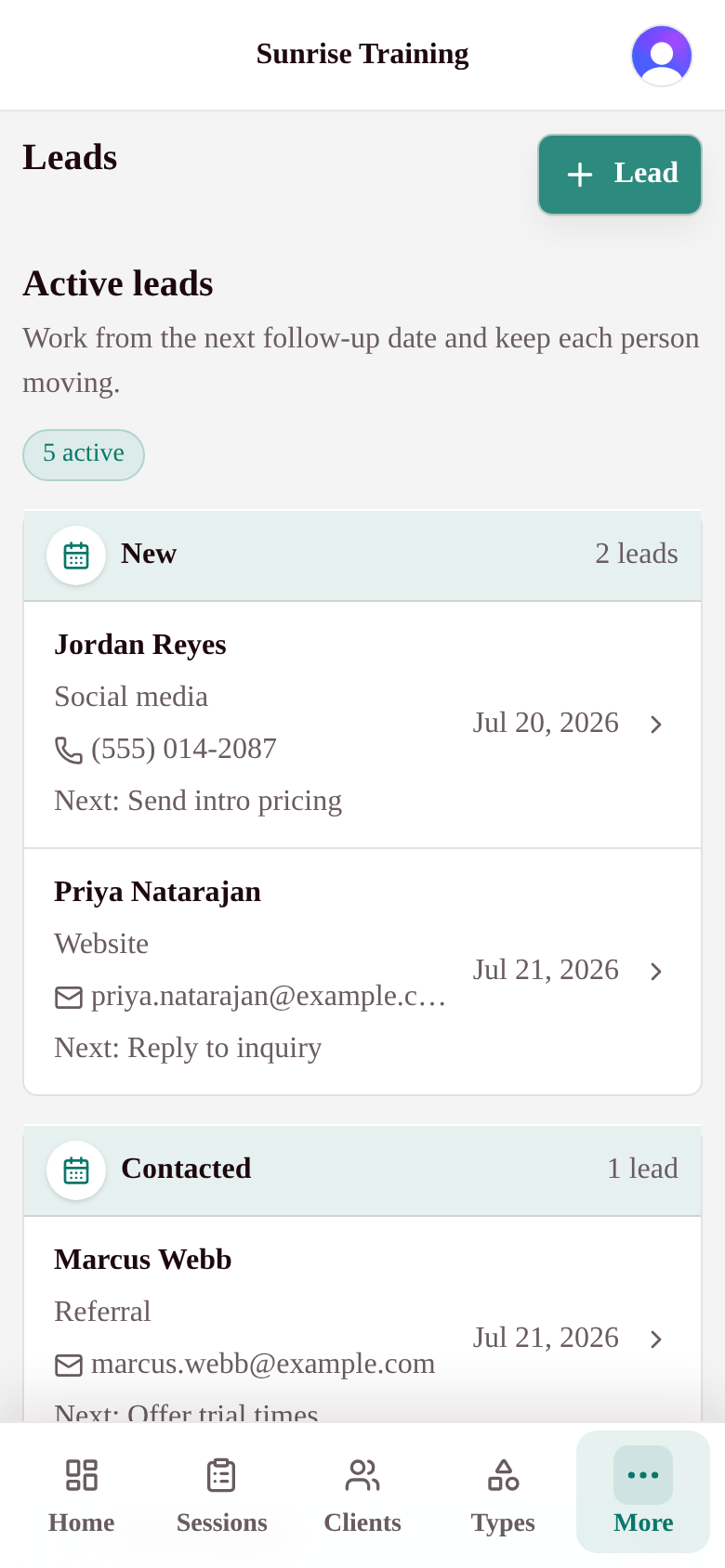
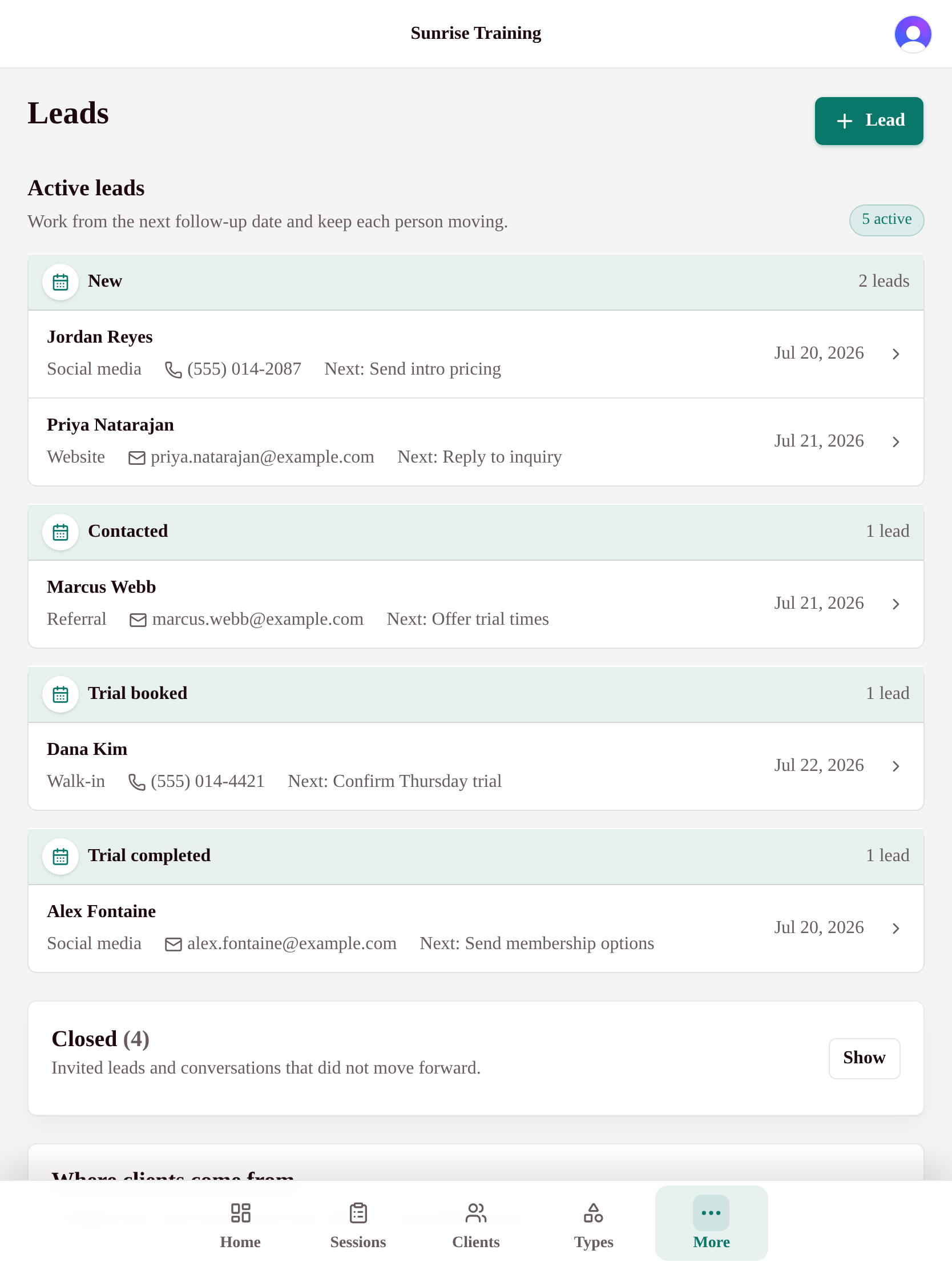
Leads, reports, space rental, imports, and calendar sync stay organized in one advanced settings area.
Imports

Easy data import

Bring clients, packages, and history across from a CSV in minutes.

The scariest part of changing software is moving your data. My Studio Keep makes it painless: export a CSV from your spreadsheet or current tool, upload it, and we do the heavy lifting - matching your columns and flagging anything that needs a look before it lands.

Upload a CSV, that's it
Export from Mindbody, a spreadsheet, or anywhere else and drop the file in. No special format required.
Columns map themselves
We auto-match your column names to the right fields, and you can adjust any that need it before importing.
Preview before you commit
See exactly what will import, with clear warnings and errors flagged per row, so nothing breaks silently.
Clients, packages, and history
Bring over client lists, staff, package balances, bookings, and payment history, then invite everyone with one click.

Launching July 2026.

Join the waitlist to lock in launch pricing and a shot at a Founding Member spot.